Payroll software should be compared against your actual workforce, locations and payroll tasks. Ask a vendor to show a routine run and a correction using dummy data. Compare subscription charges with implementation, support and the division of responsibility for payroll-related work.
The decision this article helps you make
Identify which tasks the provider performs and which remain with the employer or adviser. Request a clear explanation of support when payroll data is wrong or a filing question arises.
Turn the buying decision into a real workflow
Write down the job the software must support, the people involved and the information that moves between them. Include an ordinary case and an exception that currently causes difficulty. Ask vendors to demonstrate those scenarios rather than choosing from a feature list. A successful demonstration should show the work being completed, the permissions involved and the records you could inspect afterwards.
Price the configuration you would actually use
Identify the required plan, user types, usage limits and paid additions. Ask about implementation, training, migration and ongoing support as separate items. Compare annual and monthly commitments on the same basis, including what happens when the introductory period ends. A per-user headline may omit costs that matter more than the subscription difference between two products.
Test access and information handling
Use dummy data when evaluating a trial. Check how permissions are assigned, how changes can be reviewed and how the organisation would remove access when a person leaves. Ask the vendor to explain its responsibilities for security, availability and support without assuming that a familiar brand resolves every requirement. If sensitive information is involved, have appropriate legal or security staff review the proposed arrangement.
Plan migration and departure before signing
Ask which information can be imported and exported, what format is available and what assistance costs. Test an export rather than accepting a verbal promise that your data remains accessible. Identify the person responsible for the rollout, the training required and the criteria for accepting the system. A purchasing comparison should include the effort of adopting and eventually leaving the product, not simply the appearance of the dashboard during a sales call.
Compare the alternatives on the same basis
Choose the decision criteria before looking at promotional claims. Write down the outcome you need, the constraints you cannot change and the circumstances that would make an option unsuitable. Send the same basic requirements to each organisation. Otherwise, you may spend time comparing answers to different questions. A short comparison with clear assumptions is more useful than a long list of features that do not affect your decision.
Separate confirmed information from impressions. Written scope, disclosed charges and an identified delivery team belong in the first group. A persuasive conversation or an attractive website belongs in the second. Both can influence your experience, but they should not carry the same weight. Where an answer is missing, leave a visible gap rather than filling it with an optimistic assumption. Ask a follow-up question that could resolve the uncertainty.
Finally, test your preferred option against a plausible difficulty: a delay, a change in scope, an unavailable contact or an unexpected additional cost. Ask how the agreement would handle that situation. This can reveal important differences that a simple price ranking hides. Choose the option whose commitments and limitations you understand, and record why it fits your needs. If the essential information is still missing, improve the comparison before treating the shortlist as a final decision.
Apply the comparison to your location
Use the state relevant to your situation when checking a provider’s qualifications and the terms of an offer. A national advertisement does not establish that the advertised service is available on the same terms where you live. Record the legal name of the organisation you would contract with, the office responsible for delivery and the date of its proposal. Ask which state-specific conditions affect your comparison. Keep personal identifiers out of initial comparison emails; use a verified secure channel when supporting documents are actually needed.
Questions to put to your shortlist
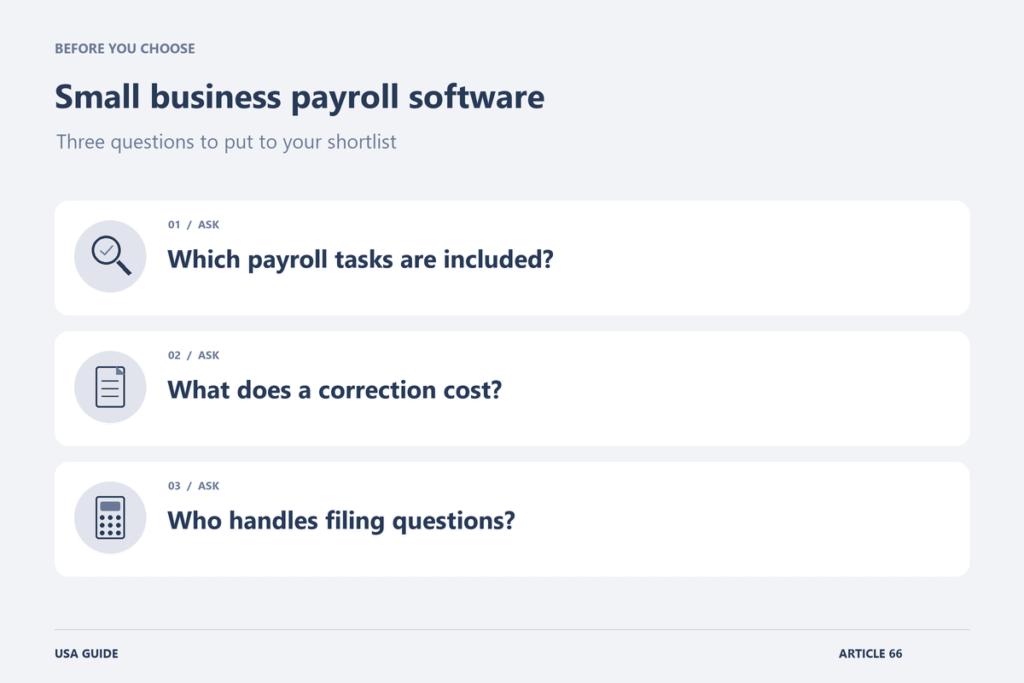
- Which payroll tasks are included?
- What does a correction cost?
- Who handles filing questions?
A point that is easy to miss
A feature labelled tax support does not explain every responsibility. Ask the vendor and your payroll adviser to identify the work each would perform under the proposed arrangement.
Put the comparison into practice
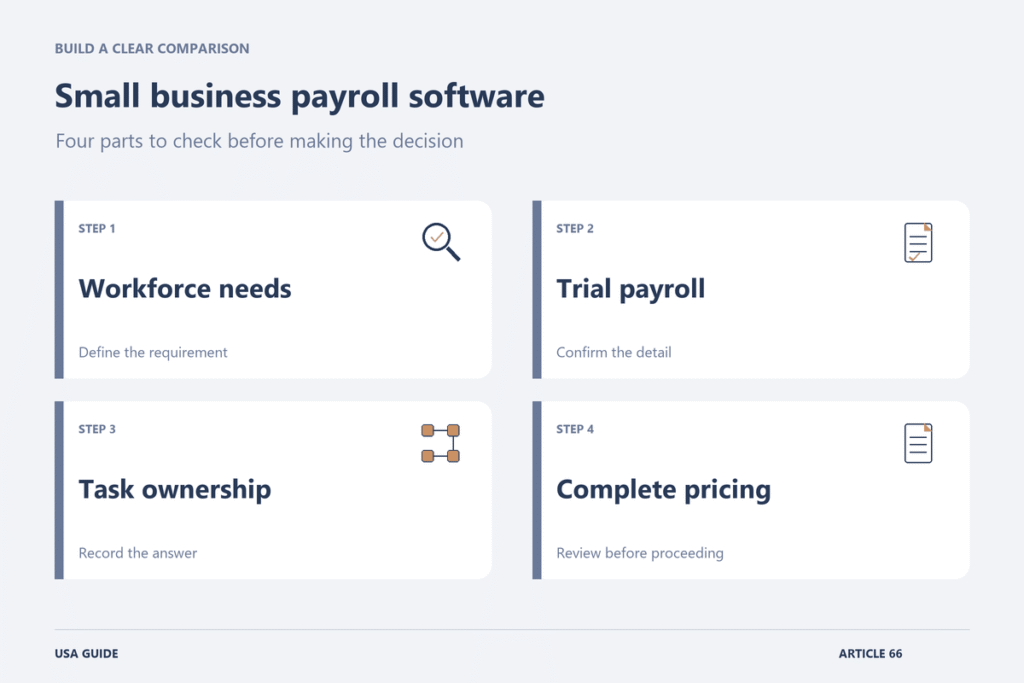
Ask vendors to demonstrate a payroll run using fictional employees representing the actual workforce. Include a correction and a change in employee details so that the comparison covers more than an ideal first run. Record which plan is needed for the demonstration and which services create additional charges.
Build a responsibility list for data entry, review, payment approval and any filings or support included in the proposal. Have the vendor and the business’s payroll professional explain their respective roles. Do not infer that a feature called tax management transfers every employer responsibility. Compare implementation, data migration and support at the moment a deadline is approaching. A product that looks simple during a demonstration may still require a service arrangement or internal expertise that has not been priced into the subscription.
Make the final decision from the written offer
Request a proposal that reflects the circumstances you actually discussed. Check the name of the contracting organisation, the work included, the charging basis and the person responsible for answering questions. Resolve any important difference between the conversation and the documents before proceeding. Keep a dated copy of the version you accept. If an essential assumption remains uncertain, ask what evidence would settle it and how that uncertainty could affect your next step.
Further reading
Related reading
- CRM Software for Law Firms: Comparing Intake, Automation and Costs (USA)
- Business VoIP Providers: Comparing Per-User Pricing and Call Features (USA)
- Payroll Software for Small Employers: Comparing Pricing and Reporting Features (UK)
- Accounting Software for Limited Companies: Comparing Plans and Accountant Access (UK)
Explore more in Business Software.