A law firm’s CRM should support its actual intake process while respecting access and information-handling needs. Compare products using a sample enquiry from first contact through handover. Ask what automation does, where human review remains necessary and how the system records changes.
The decision this article helps you make
Use fictional contact details during demonstrations. Assess permission controls, duplicate management and integration requirements before comparing subscription tiers or accepting a promise of automated client acquisition.
Turn the buying decision into a real workflow
Write down the job the software must support, the people involved and the information that moves between them. Include an ordinary case and an exception that currently causes difficulty. Ask vendors to demonstrate those scenarios rather than choosing from a feature list. A successful demonstration should show the work being completed, the permissions involved and the records you could inspect afterwards.
Price the configuration you would actually use
Identify the required plan, user types, usage limits and paid additions. Ask about implementation, training, migration and ongoing support as separate items. Compare annual and monthly commitments on the same basis, including what happens when the introductory period ends. A per-user headline may omit costs that matter more than the subscription difference between two products.
Test access and information handling
Use dummy data when evaluating a trial. Check how permissions are assigned, how changes can be reviewed and how the organisation would remove access when a person leaves. Ask the vendor to explain its responsibilities for security, availability and support without assuming that a familiar brand resolves every requirement. If sensitive information is involved, have appropriate legal or security staff review the proposed arrangement.
Plan migration and departure before signing
Ask which information can be imported and exported, what format is available and what assistance costs. Test an export rather than accepting a verbal promise that your data remains accessible. Identify the person responsible for the rollout, the training required and the criteria for accepting the system. A purchasing comparison should include the effort of adopting and eventually leaving the product, not simply the appearance of the dashboard during a sales call.
Examine what the package actually includes
Translate every broad description into an observable deliverable. Words such as comprehensive, premium and fully managed are not a substitute for an explanation of what the organisation will do. Ask for the tasks, the responsible people, the expected output and any conditions that limit delivery. The objective is to make the offer specific enough that you can recognise both completion and an omission.
Look carefully at the boundary between the main provider and third parties. A package may depend on another professional, a separate supplier or a product with its own terms. Ask who selects that third party, who receives the invoice and who responds if something goes wrong. Identify which commitments belong in your main agreement and which require separate confirmation. Do not assume that a referral automatically includes responsibility for the referred service.
Then check how changes are handled. Ask whether additional work needs your approval, how its price would be disclosed and what happens if you decline. A package can still be useful when it has exclusions, provided those exclusions are understandable and compatible with your needs. Compare the proposed scope against your own requirements rather than rewarding the longest feature list. Pay particular attention to the part of the service you would find hardest to replace yourself.
Apply the comparison to your location
Use the state relevant to your situation when checking a provider’s qualifications and the terms of an offer. A national advertisement does not establish that the advertised service is available on the same terms where you live. Record the legal name of the organisation you would contract with, the office responsible for delivery and the date of its proposal. Ask which state-specific conditions affect your comparison. Keep personal identifiers out of initial comparison emails; use a verified secure channel when supporting documents are actually needed.
Questions to put to your shortlist
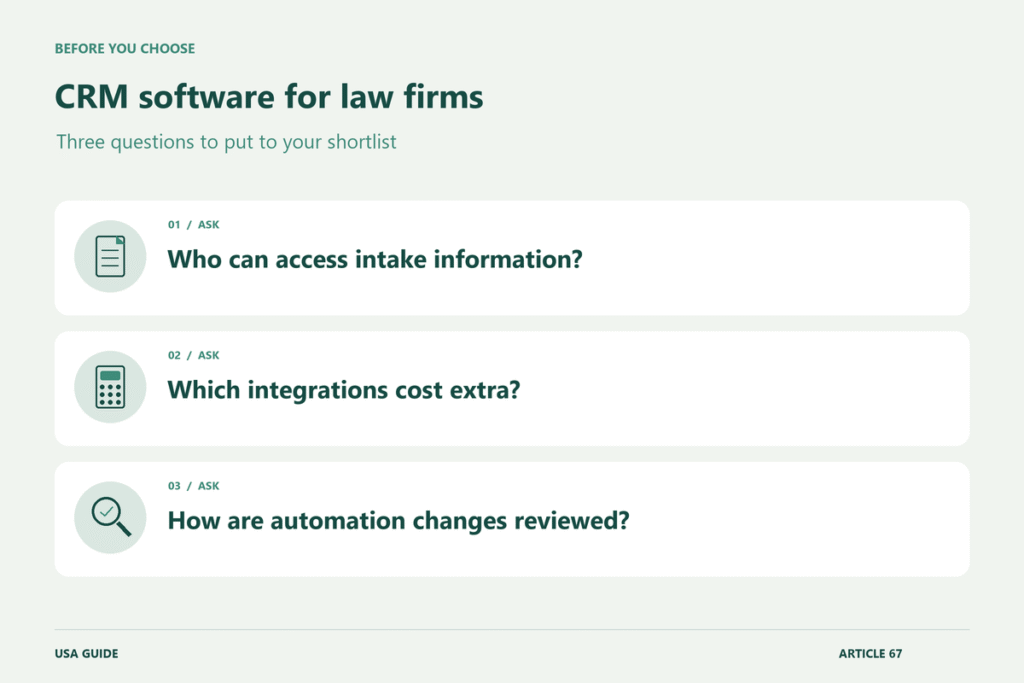
- Who can access intake information?
- Which integrations cost extra?
- How are automation changes reviewed?
A point that is easy to miss
A CRM is not a substitute for a firm’s professional procedures. Ask how the software would fit those procedures rather than assuming a product feature establishes compliance.
Put the comparison into practice
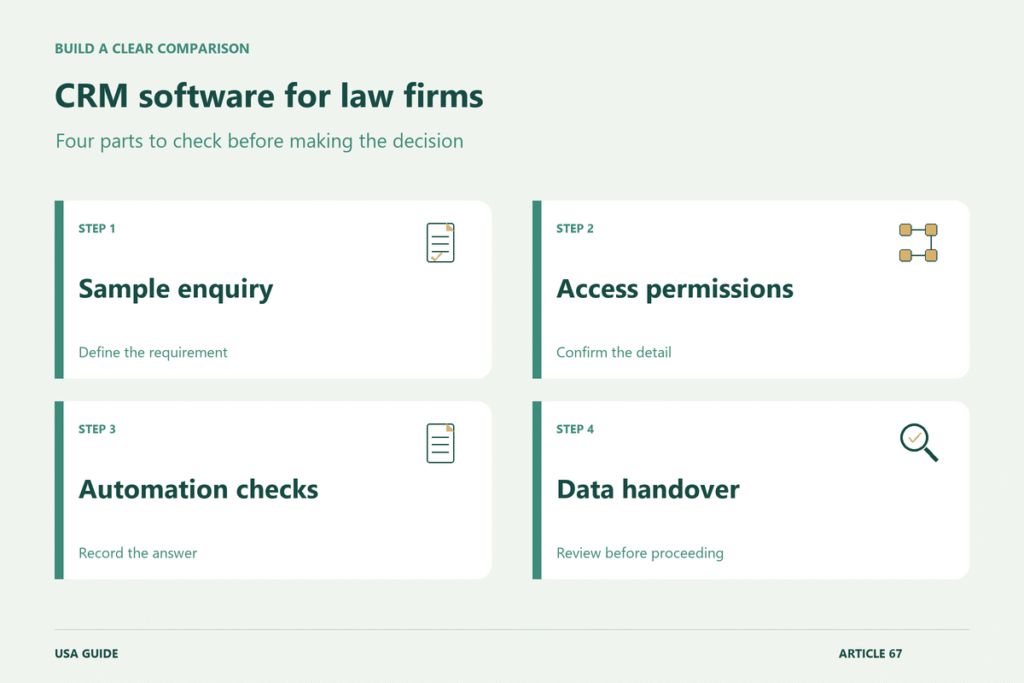
Create a fictional enquiry and follow it through capture, conflict-related procedures where relevant, assignment and handover to the next system. Ask the vendor to show permissions and the records of changes rather than only the automation screen. The firm’s own professionals should assess how the workflow fits its procedures; a software label is not a professional compliance conclusion.
Compare the plans needed for integrations, reporting and controlled access. Ask what happens when an automation fails or sends an enquiry to the wrong person, and who investigates. Test an export using dummy data and check how attachments, notes and statuses are represented. The useful buying question is whether the tool supports an accountable intake process, not whether the vendor promises that automation alone will produce clients or replace professional judgement.
Make the final decision from the written offer
Request a proposal that reflects the circumstances you actually discussed. Check the name of the contracting organisation, the work included, the charging basis and the person responsible for answering questions. Resolve any important difference between the conversation and the documents before proceeding. Keep a dated copy of the version you accept. If an essential assumption remains uncertain, ask what evidence would settle it and how that uncertainty could affect your next step.
Further reading
Related reading
- Payroll Software for Small Businesses: Comparing Pricing and Tax Features (USA)
- Business VoIP Providers: Comparing Per-User Pricing and Call Features (USA)
- Payroll Software for Small Employers: Comparing Pricing and Reporting Features (UK)
- Accounting Software for Limited Companies: Comparing Plans and Accountant Access (UK)
Explore more in Business Software.